
High-Performance Video Clipping Studio
One video in.
A week of clips out.
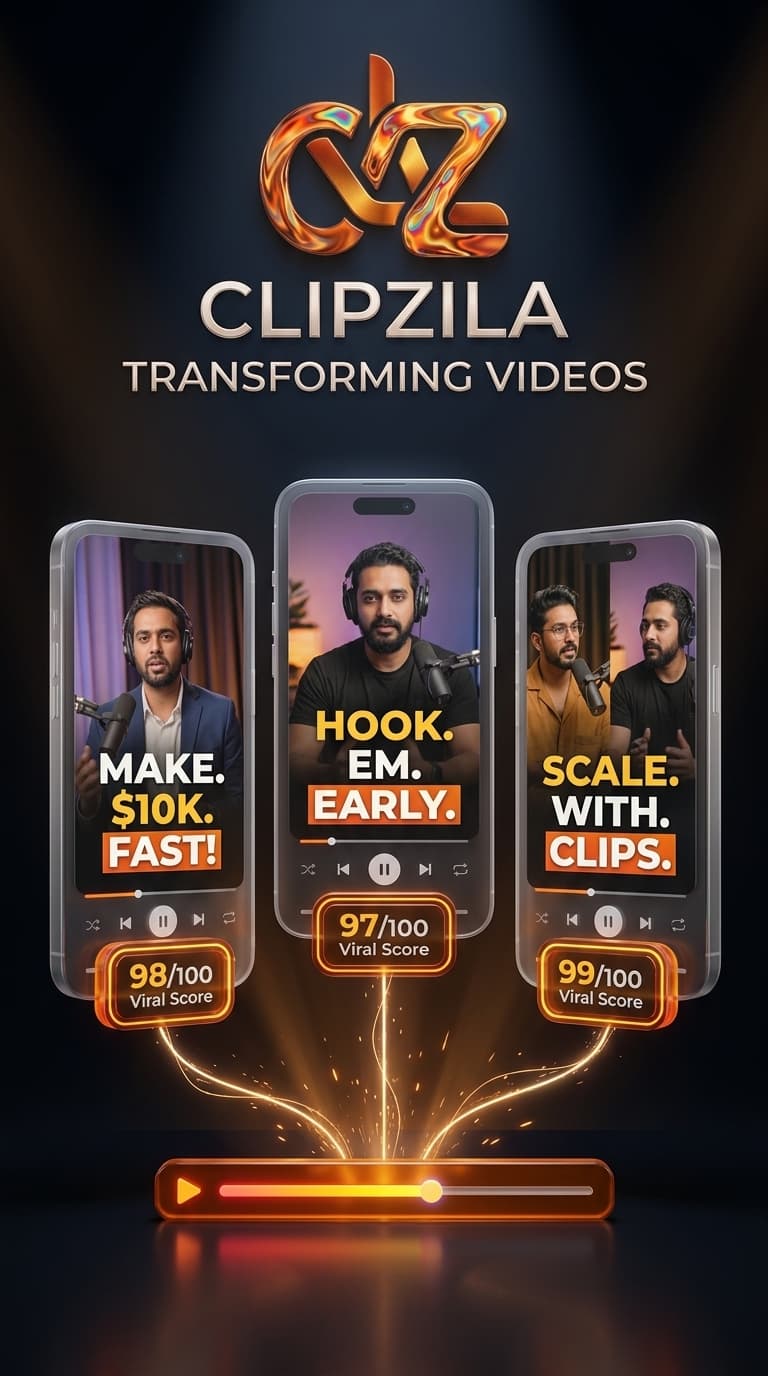
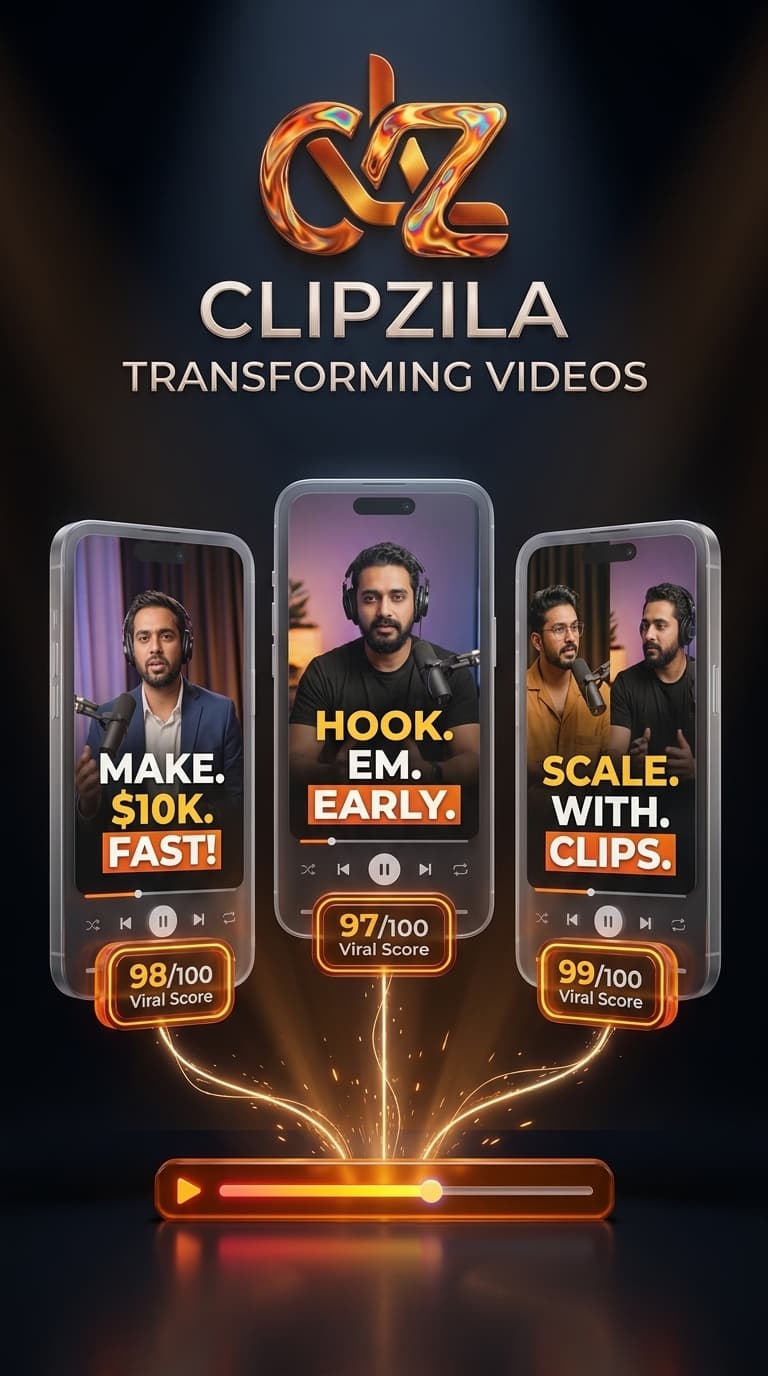
Paste a YouTube link. Clipzila finds the viral moments, cuts them vertical with face-tracking, burns word-perfect captions, and hands you ready-to-post shorts, with a score explaining why each one will pop.
5 free credits, no card required· ~4 min per hour of video
Vertical
9:16 face-tracked exports
Captions
Word-level timing
9:16
Face Tracked HD
The $40M mistake
94/10000:34
Strong hook + emotional peak at 12:04

Why we almost quit
88/10000:47
Story arc with retention spike at 31:20
Hiring at 3AM
81/10000:29
Quotable punchline, high shareability
How It Works
From raw footage to posted shorts in four moves
STEP 01
Paste your link
Drop any YouTube URL or upload a file. Clipzila pulls the video and builds a transcription within seconds.
STEP 02
AI hunts the moments
The engine reads every second for hooks, emotional peaks, and punchlines, then scores each candidate moment out of 100 with the reason written out.
STEP 03
Auto-edit to vertical
Clips are cropped to 9:16 with the speaker’s face locked in frame, and captions burned in word-by-word.
STEP 04
Post everywhere
Download clean MP4s sized for TikTok, Reels, and Shorts. Track what you posted and watch the views stack up in your ledger.
Inside The Engine
An editor that works while you sleep
Paste a link, AI surfaces the moments
Drop any YouTube URL or upload raw video. Clipzila scans the entire timeline for hooks, pacing, and punchlines, scoring candidate moments so you never scrub footage by hand.

Auto-edit to vertical with face tracking
Every selected moment is reframed into 9:16 vertical video with the speaker centered automatically. Multi-speaker podcast setups get smooth speaker switching without keyframing.
Word-perfect captions and instant export
Word-level timing from Whisper burns kinetic captions on the exact syllable in 15 creator presets. Download clean, high-bitrate MP4s sized for TikTok, Reels, and Shorts.
The Math
0 hours becomes 0 min
One podcast episode. The old way, you scrub, cut, reframe, and caption until midnight for maybe two clips. Clipzila returns six scored, captioned, vertical clips before your coffee gets cold.
Try it freeOld way
With Clipzila
Pricing
Cheaper than one edit
1 credit = 1 final video (never pay for unused raw footage minutes). Credits refresh every monthly billing cycle.
Free
$0 /mo
5 credits to start
See the magic on your own footage.
- 5 credits to start
- All caption styles
- 9:16 face-tracked exports
- Watermarked 720p exports
Basic
$15 /mo
50 credits / month
Essential toolkit for launching short-form channels.
- 50 credits / month
- Watermark-free 1080p
- All 18 caption presets
- Face-tracking & 9:16 crop
Starter
$29 /mo
120 credits / month
For daily creators building an active audience.
- 120 credits / month
- Everything in Basic
- Opening hooks & Kinetic subtitles
- Priority rendering queue
- Campaign hub access
Pro Creator
$59 /mo
400 credits / month
For power creators and media agencies at scale.
- 400 credits / month
- Everything in Starter
- Auto-Pilot channel watchlists
- Podcast 2-person split screen
- Whop Bounty ingestion
FAQ
Questions, answered
Everything you need to know about processing limits, credits, and exports.
Roughly 4 minutes per hour of source video on our standard queue. A 1-hour podcast is usually done in under 5 minutes. Creator and Studio plans render on a priority queue.
Paste any public YouTube link, or upload your own files (MP4, MOV, MKV). You must own the rights to the footage you process.
Scores blend hook strength, pacing, emotion, and payoff signals measured across millions of short-form videos. They are a prioritization tool: the reasons tell you why each moment was picked so you can make the final call fast.
Yes: adjust trim points, swap caption style, or regenerate a single clip without re-processing the whole video.
Credits are consumed per final video clip generated when a project runs. Failed renders are automatically refunded to your balance.
Transcription and captions currently work best in English, with early support for Spanish, Arabic, French, and German.
Ready When You Are
Your next upload, cut into shorts.
Start free with 5 credits. Paste one link and watch the clips come back scored, captioned, and ready to post.
No credit card required · Cancel anytime